Numix Circle for Sailfish OS
Numix Circle for Sailfish OS.




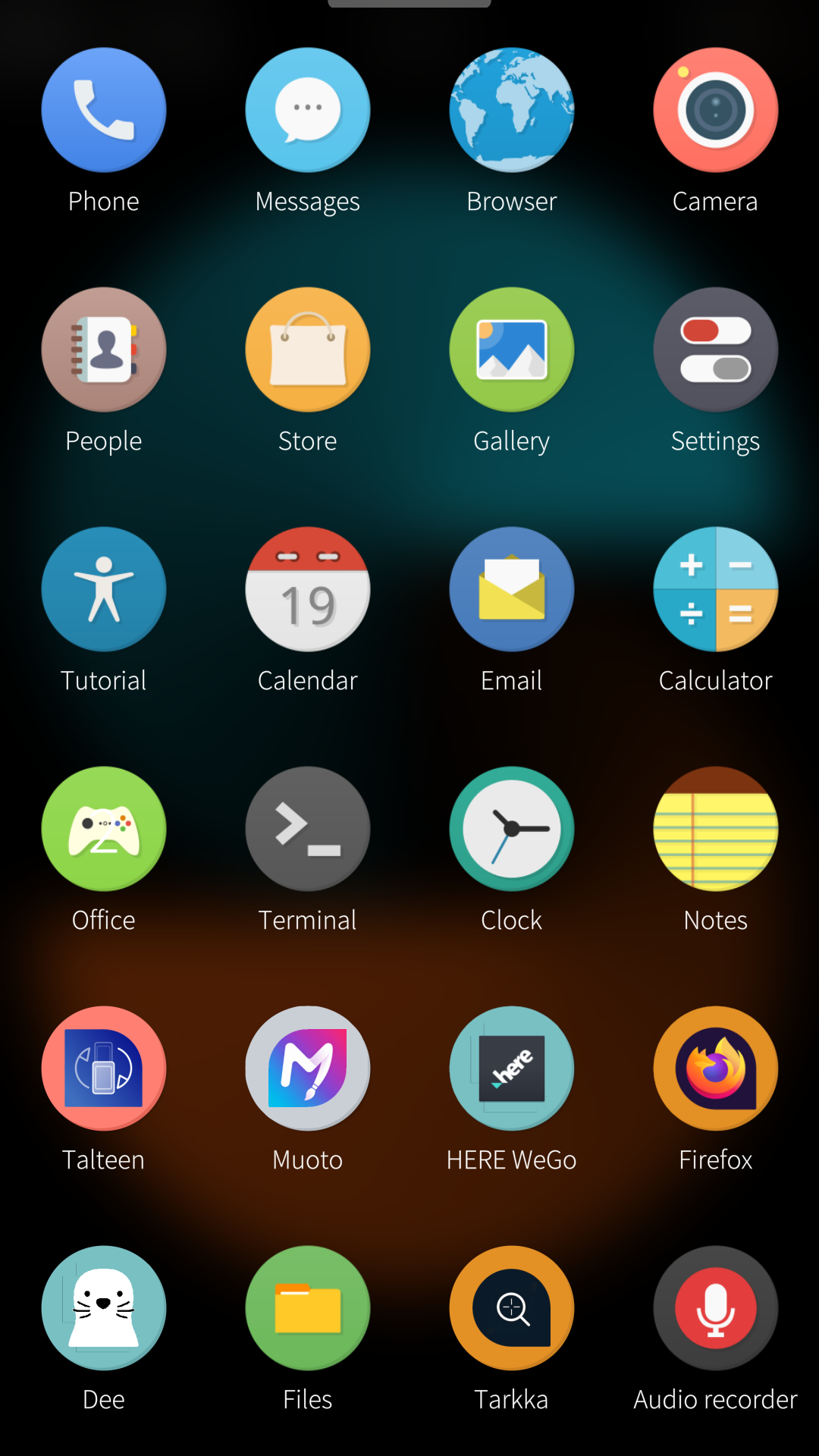
Request a new icon
You can request a new icon via the theme companion app or by opening an issue.
Create custom theme packs
Documentation on how to create theme packs available here.
Working on the icons
Drop the SVG into the matching scalable/ folder and push. That is the whole
workflow: CI normalises the artwork and exports every PNG size the theme needs,
so nothing has to be installed or run locally.
Icons coming out of HVIF and other converters place gradient coordinates far
outside the document and scale them back with a gradientTransform. That is
valid SVG, but it pushes the shape past cairo’s fixed point range, so
cairo-based renderers clip it and whole faces disappear from the icon. Because
the export runs on cairo, CI rewrites those coordinates first with
tools/normalize-gradients.py. The rewrite is
an exact algebraic identity, so it changes the numbers and never the result.
To preview an icon without waiting for CI, cd theme && ./themepack-helper.sh
exports locally (it needs Inkscape and Python 3). The script pins every export
to the document page and then checks each jolla/ PNG is the right size and
8-bit RGBA, failing rather than writing a malformed icon. To compare two
exported trees pixel by pixel, use
python3 tools/compare-icons.py <dir-a> <dir-b>.
Translate
Request a new language or contribute to existing languages on the Transifex project page.
Builds
Builds available here.
Credits
Thanks to Numix Project.